Use case · Students

DigUp for students

Semester folders get messy. DigUp ranks notes, scans, and recordings in one EmbeddingGemma 2 space on your laptop. digup.run is community documentation — not affiliated with your school or Google.

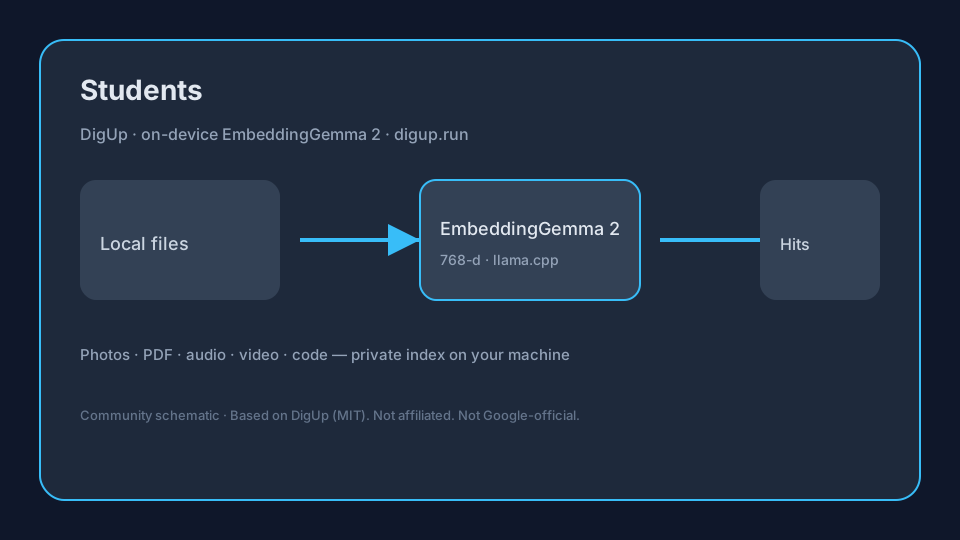
On-device flowSchematic: DigUp uses EmbeddingGemma 2 for Students local search
Original schematic — DigUp indexes local files with EmbeddingGemma 2 (llama.cpp).

Sourced snapshot (2026-10-15)

FactValueSource
ModelEmbeddingGemma 2 · ~740M params · ~865 MB Q8 via llama.cppGoogle AI · DigUp README
Vector space768-d shared multimodal spaceGoogle AI · DigUp README
Mac / Win·Linux0.6.1 · 0.7.0-beta.1GitHub Releases
Stars / forks~3,768 / ~254GitHub API

Pain → DigUp workflow → tip

PainDigUp + EmbeddingGemma 2 workflowTip
Which PDF defined “entropy”?Index course PDFs; query the conceptOpens the page — not just filename
Photo of whiteboard after classIndex camera folder; visual searchFind by what’s written/drawn
Where in the lecture they explained X?Audio/video ~30s windowsJump near the moment
Code homework snippetOpt-in code: searchOpen at the line in your editor

Numbered checklist

  1. Install DigUp on Apple Silicon Mac or Win/Linux beta PC.
  2. Add Courses / Notes folders; download iCloud class files locally first.
  3. Let EmbeddingGemma 2 finish (~865 MB) before heavy indexing overnight.
  4. Search concepts in your own words; add course codes as keywords.
  5. Pause indexing on battery during exams week.

Why EmbeddingGemma 2 matters here

Google’s EmbeddingGemma 2 (~740M, unified 768-d multimodal space) is what DigUp runs via llama.cpp (~865 MB Q8 package). One query can rank images, PDF pages, audio windows, video frames, and optional code — see the local multimodal guide and model page. digup.run is not Google-official.

Downloads & installs

Related