Use case · Teachers

DigUp for teachers

Years of lesson folders resist tidy naming. DigUp retrieves by topic using EmbeddingGemma 2 locally — community docs on digup.run.

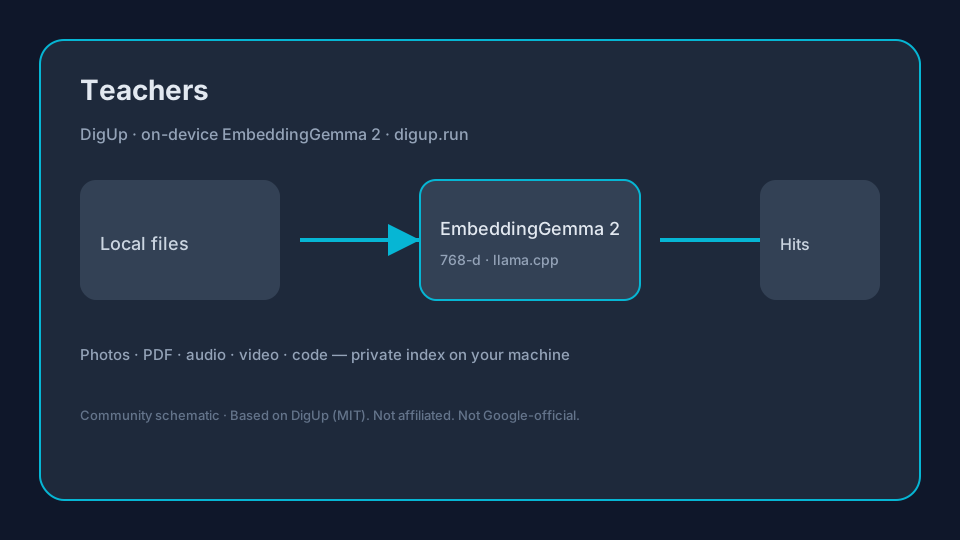
On-device flowSchematic: DigUp uses EmbeddingGemma 2 for Teachers local search
Original schematic — DigUp indexes local files with EmbeddingGemma 2 (llama.cpp).

Sourced snapshot (2026-10-15)

FactValueSource
ModelEmbeddingGemma 2 · ~740M params · ~865 MB Q8 via llama.cppGoogle AI · DigUp README
Vector space768-d shared multimodal spaceGoogle AI · DigUp README
Mac / Win·Linux0.6.1 · 0.7.0-beta.1GitHub Releases
Stars / forks~3,768 / ~254GitHub API

Pain → DigUp workflow → tip

PainDigUp + EmbeddingGemma 2 workflowTip
Worksheet on fractions from last yearIndex Teaching folders; semantic queryPDF/image hit
Recording of a demo experimentAudio/video windowsJump to explanation
Photo of student board work (local)Image embeddingsOnly folders you choose
Prep on a school laptop offlineOn-device after model downloadNo DigUp account

Numbered checklist

  1. Install DigUp; respect school privacy rules for student media.
  2. Download EmbeddingGemma 2 (~865 MB) on campus Wi‑Fi.
  3. Index curriculum folders; skip personal cloud junk.
  4. Search learning objectives in plain language.
  5. Use battery guide during long marking days.

Why EmbeddingGemma 2 matters here

Google’s EmbeddingGemma 2 (~740M, unified 768-d multimodal space) is what DigUp runs via llama.cpp (~865 MB Q8 package). One query can rank images, PDF pages, audio windows, video frames, and optional code — see the local multimodal guide and model page. digup.run is not Google-official.

Downloads & installs

Related